.png?width=200&height=90&name=logo-edist%20(1).png)
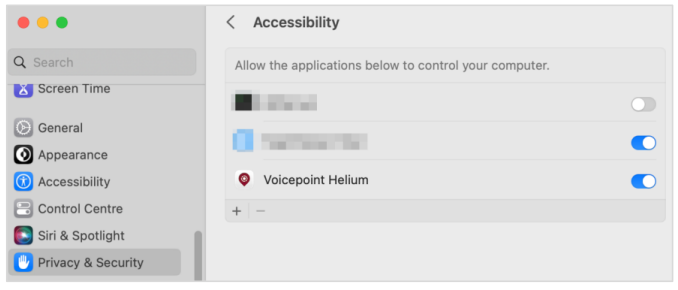
For direct dictation and text transfer functionality, Helium must be authorised to control other applications.
For security reasons, this permission cannot be requested at start-up and must
therefore be set manually. The permission can be set as described below.
Note: Depending on the macOS version, the graphics may differ
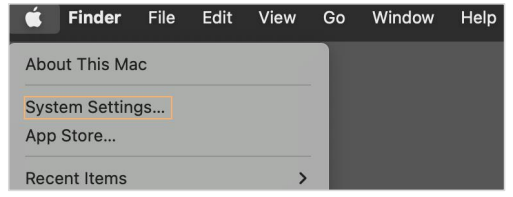
- Click on the Apple logo at the top left and then choose “System Settings...“
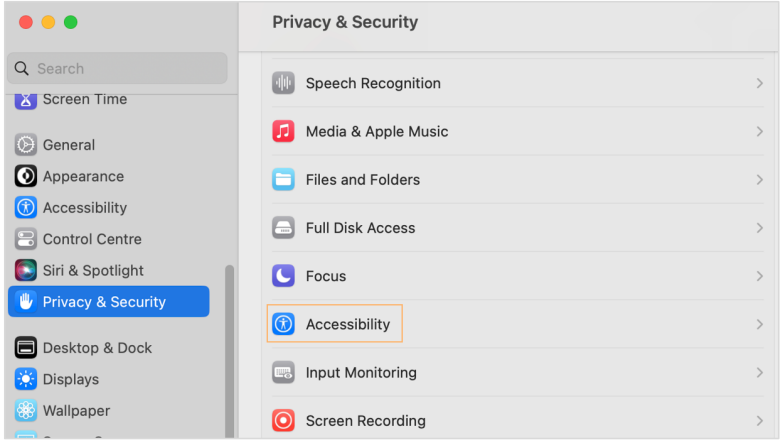
- Click on “Privacy & Security” and then choose “Accessibility".
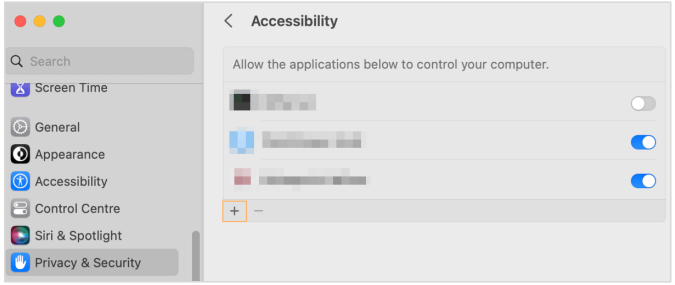
- Click on the “+” icon.
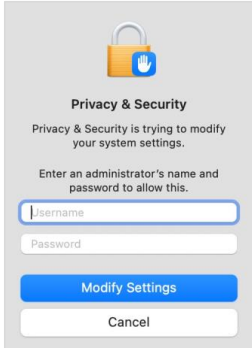
- Enter the login data of a user with administrator rights and click on “Modify Settings”.
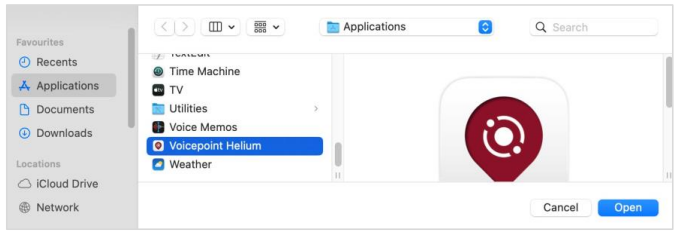
- Select “Voicepoint Helium” under "Applications” and choose “Open”.
- Helium is now permitted to control the computer