.png?width=200&height=90&name=logo-edist%20(1).png)
This guide works on the following versions:
Philips Speech Exec Pro
Philips Speech Exec Basic
- Launch your Philips Speech Exec application.
- Enter your Product key.
-
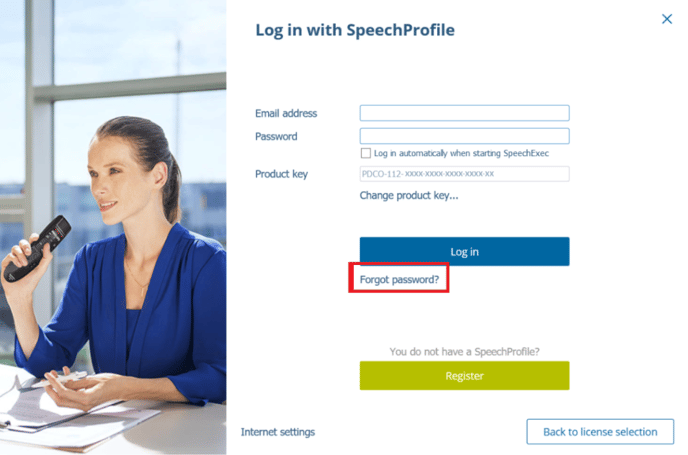
When logging in with the SpeechProfile, please select <Forgot password?>
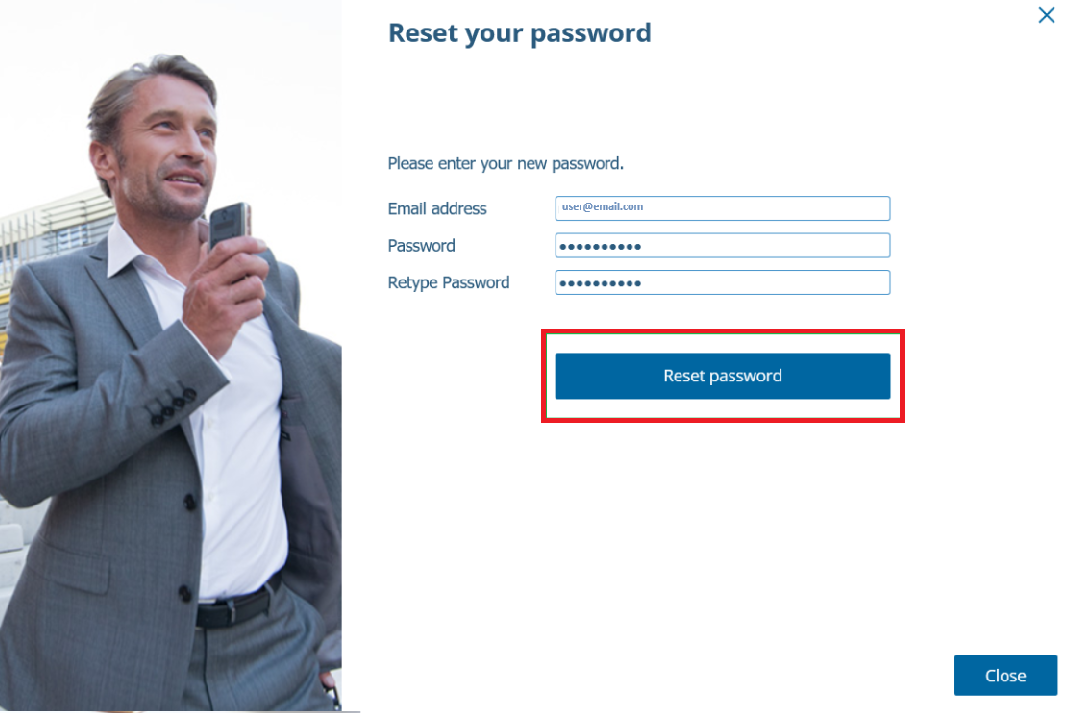
- Enter your mail address associated with the SpeechProfile and the new password.
- Click on "Reset password".
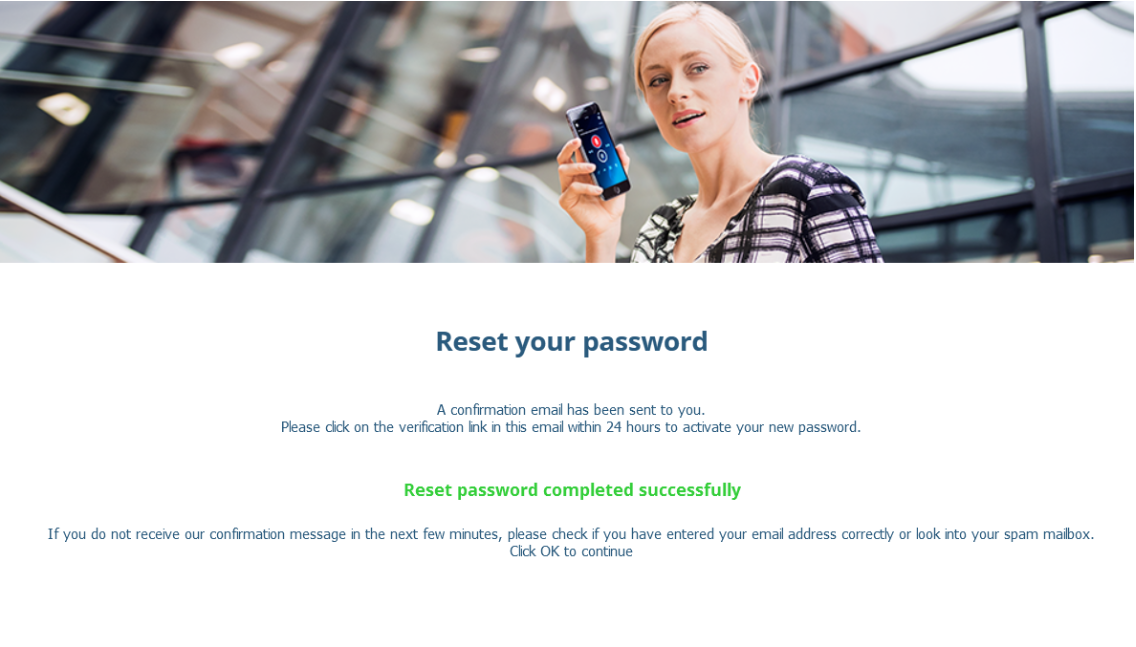
6. You will be sent an email with an activation link to confirm your password change.