.png?width=200&height=90&name=logo-edist%20(1).png)
The following information applies to the following versions of Dragon:
Dragon Professional Individual
Dragon Professional Group | VLA
Dragon Legal Individual
Dragon Legal Group | VLA
Dragon Law Enforcement
1) Locate and launch your Dragon program.

2) Depending on your version: Select <Settings> or the <Question Mark>.
3) Then click "About Dragon...."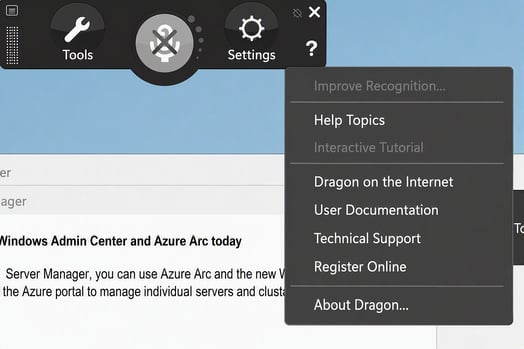
You should see your version number and key displaced in the popup window: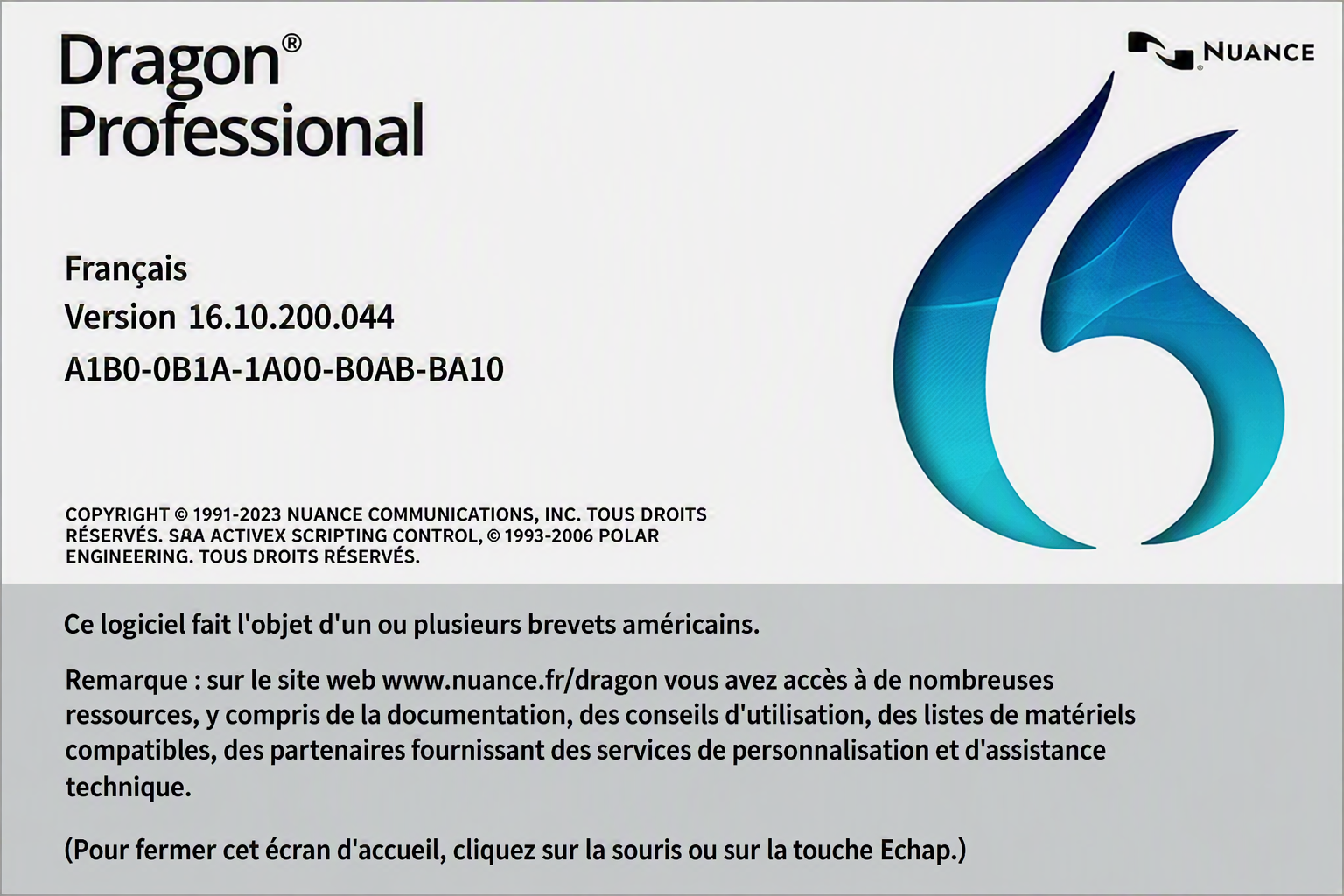
Looking for your version number for a cloud-based product like Dragon Medical One or Professional Anywhere? Check out this article.