.png?width=200&height=90&name=logo-edist%20(1).png)
License files are NOT compatible across servers.
If you are migrating or need to move to a new server. You will need to generate a new request file after the license manager has been installed.
1) Locate and Launch you Philips Speech Exec Etnerprise License Manager
2) Once signed in, Select <License> at the top and then <Import license file...>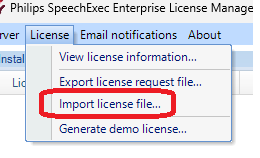
3)Navagate and inport your provided ".seelic" file.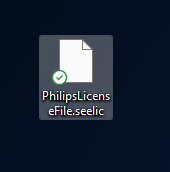
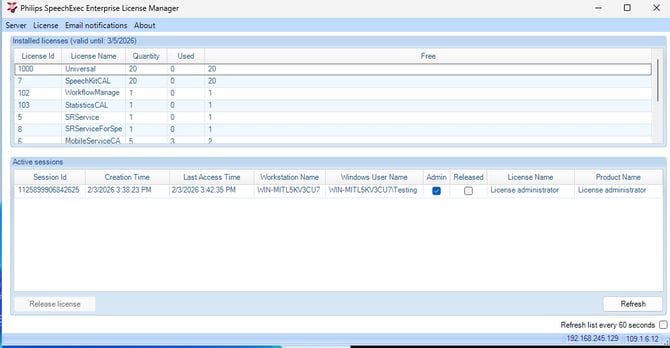
4) You should now see your License manager update: