.png?width=200&height=90&name=logo-edist%20(1).png)
Installation
Don't forget to select the correct installation file to match your processor!
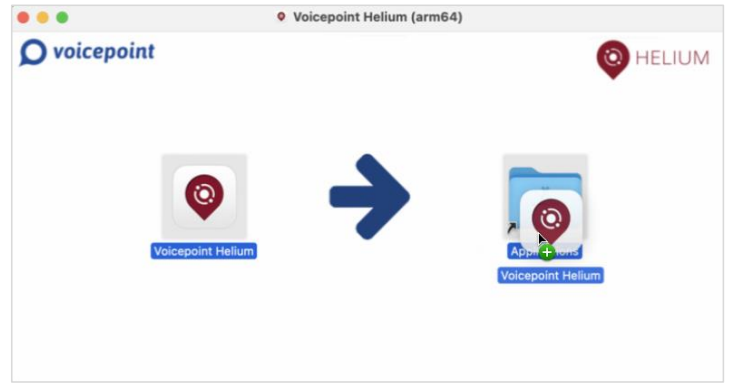
- Double-click on the installation file corresponding to the processor.
- In the open window, Drag & Drop “Voicepoint Helium” in “Applications”.
- Once installed, Helium appears in the Finder under “Applications” and automatically in the
Launchpad for easy access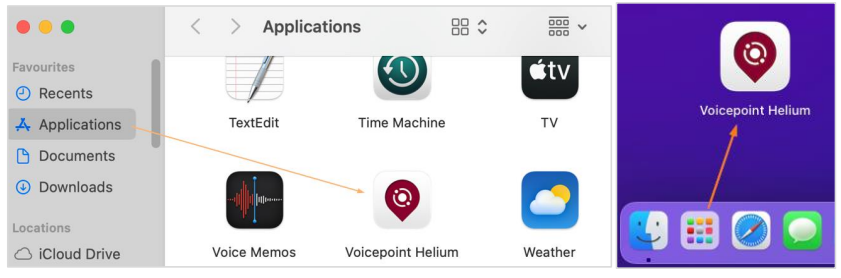
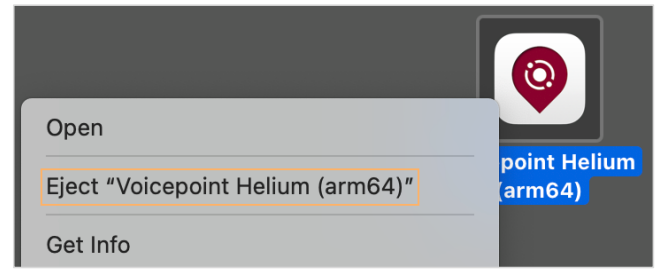
- After installation, the desktop icon can be ejected.