.png?width=200&height=90&name=logo-edist%20(1).png)
Tip!
Check your email for a copy of your Welcome Kit!
These are also emailed directly to you when you start a test drive or activate a subscription!
For a guide on how to locate your welcome kit for a test drive, check out this article!
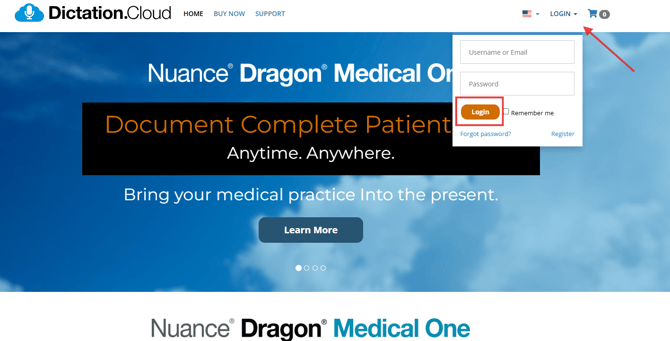
1.) First LOGIN to https://dictation.cloud/.
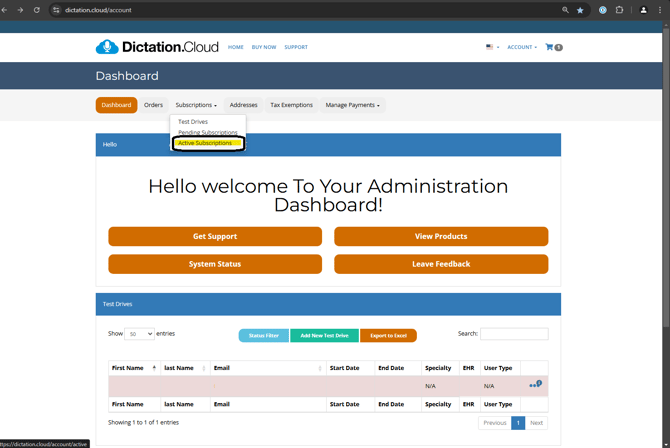
2.) Under Dashboard, select the "Subscriptions" tab, then click "Active Subscriptions" from the dropdown menu.
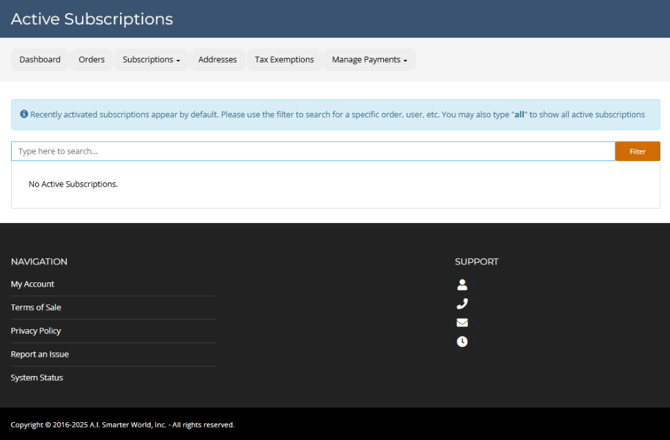
3.) Begin to type the email address for the subscriber you would like to locate the Welcome Kit.
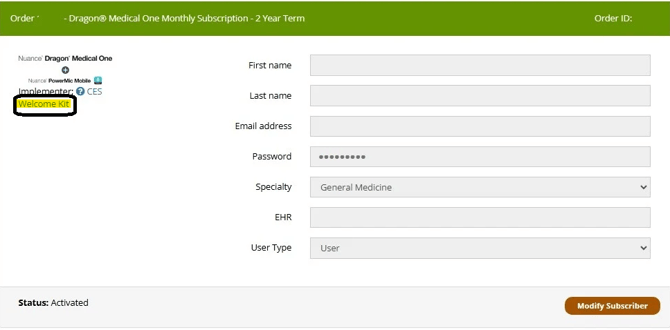
4.) Select the blue "Welcome Kit" hyperlink
The webpage will refresh and the Welcome Kit will open.