.png?width=200&height=90&name=logo-edist%20(1).png)
Method 1: Accessing the log file from within Helium
- When Helium is the active window, click on <help> on the menu bar
- Select <Show log file> from the dropdown.

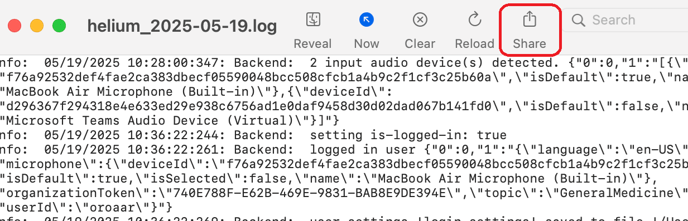
- Use the <Share> button to save a copy.
Method 2: Manually navigating to the log file.
Note:
This method requires locating the ~/Library folder.
This folder is commonly hidden by default!
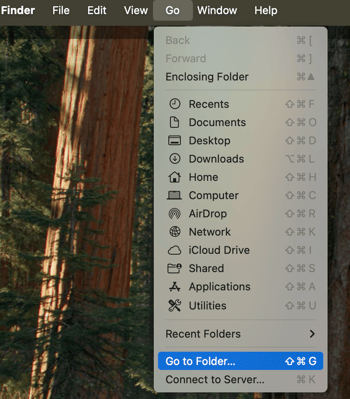
- From the menu bar, click on <Go>, then select <Go to Folder...> on the drop-down.
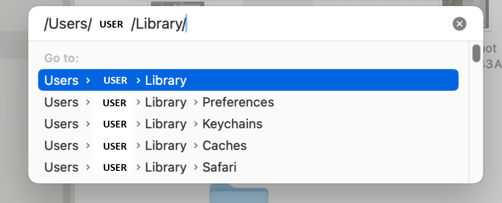
- Enter and search for ~/Library.
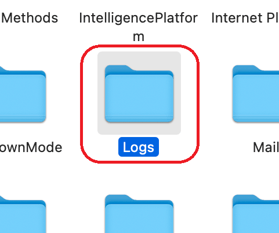
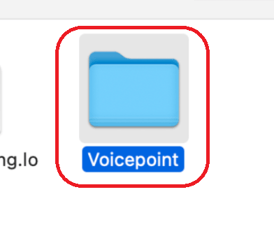
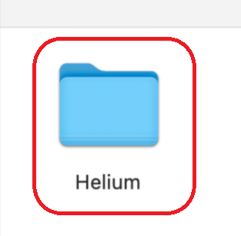
- Navigate to the following path: Logs > Voicepoint >Helium