.png?width=200&height=90&name=logo-edist%20(1).png)
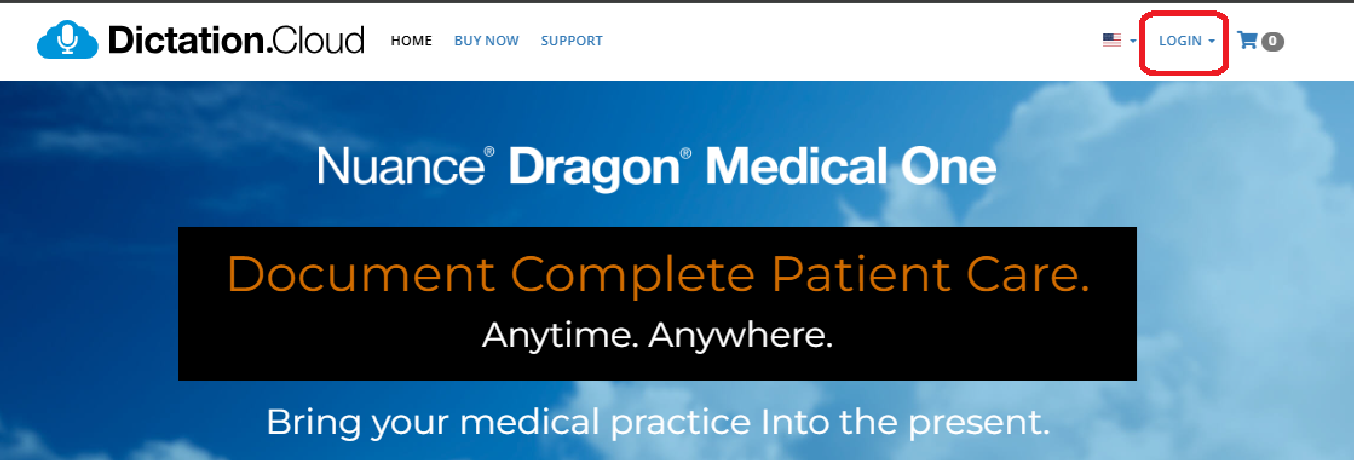
1) Navigate to: https://dictation.cloud/
2) Select the Login option towards the top right of the page
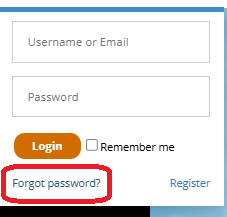
3) Click on the Forgot Password? option.
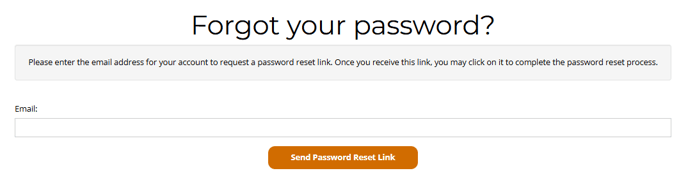
4) Fill in your email address associated with your login.
5) Click the Send password reset link button.
6) Check your email for instructions and a password reset link.
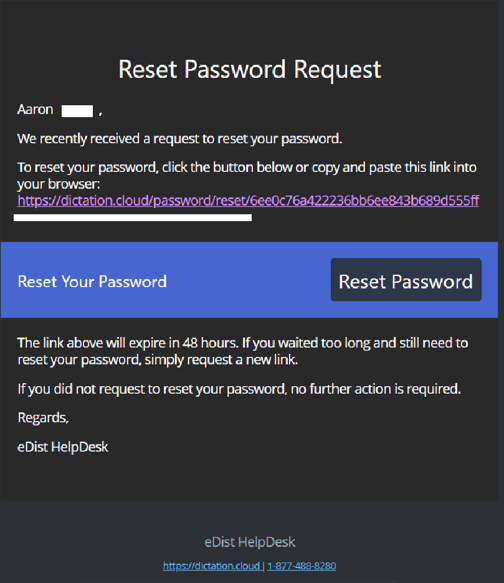
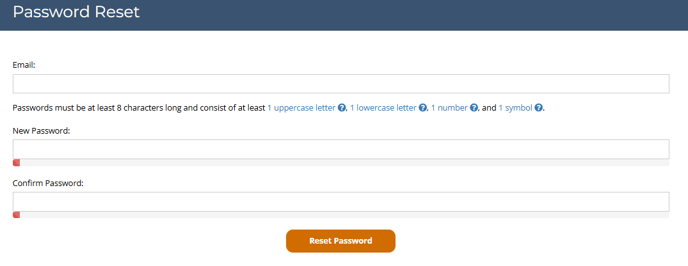
7) Follow the link in the email to set a new password
2) Select the Login option towards the top right of the page
3) Click on the Forgot Password? option.
4) Fill in your email address associated with your login.
5) Click the Send password reset link button.
6) Check your email for instructions and a password reset link.
7) Follow the link in the email to set a new password