.png?width=200&height=90&name=logo-edist%20(1).png)
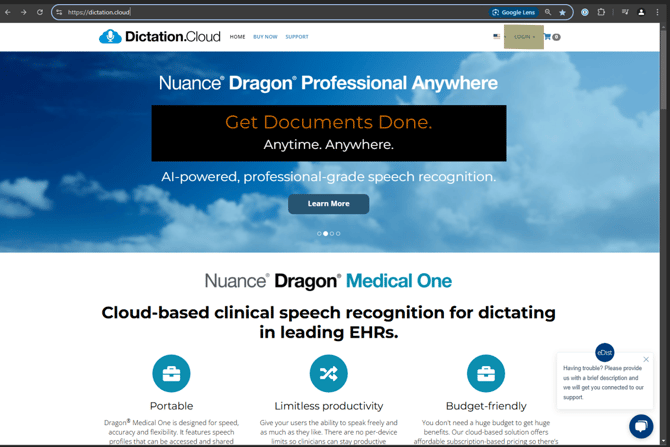
1) First LOGIN to https://dictation.cloud/.
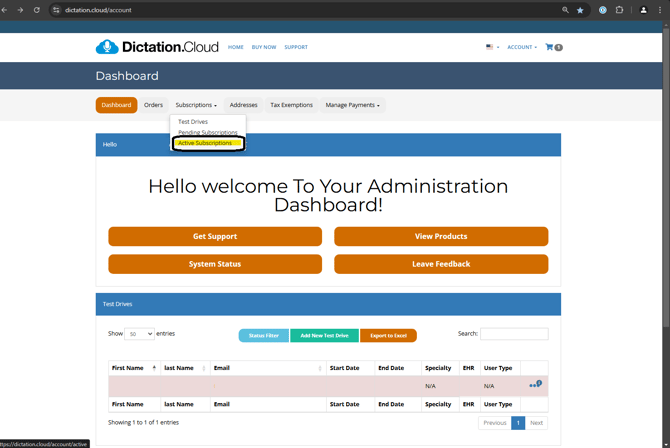
2) Under Dashboard, select the "Subscriptions" tab, then click "Active Subscriptions" from the dropdown menu.
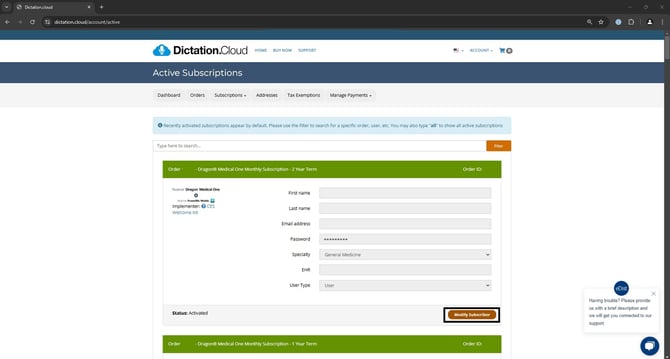
3) Locate the user you wish to change and click the orange <Modify Subscription>.
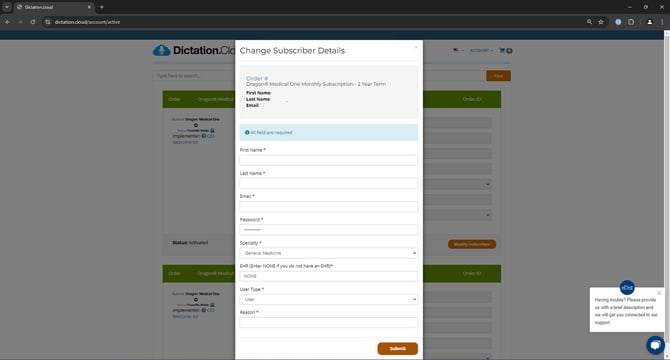
4) Once all the fields are filled, click <Submit> to confirm the change and you are all set!