.png?width=200&height=90&name=logo-edist%20(1).png)
The same extension is used for all Dragon's cloud-based versions!
Dragon Medical One
Dragon Professional Anywhere
Dragon Legal Anywhere
- Navigate to your browser's extension store
- For Google Chrome:
https://chromewebstore.google.com/category/extensions - For Microsoft Edge:
https://microsoftedge.microsoft.com/addons/Microsoft-Edge-Extensions-Home
- For Google Chrome:
- In the search bar, search for your Dragon Product!
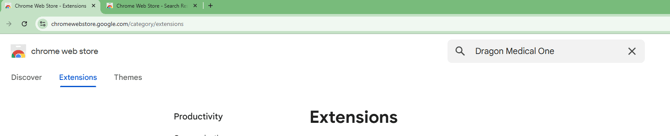
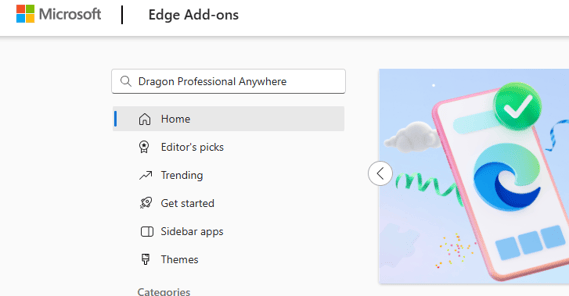
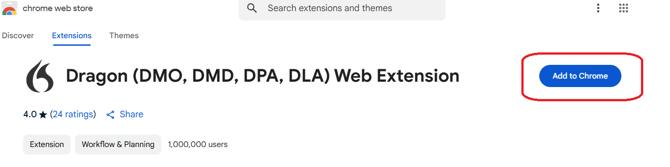
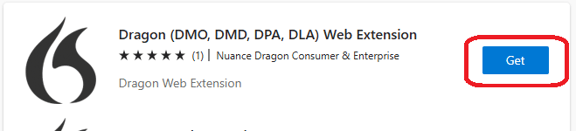
3. Select the "Dragon (DMO, DMD, DPA, DLA) Web Extension"
- For Google Chrome, press the "Add to Chrome" button
- For Microsoft Edge, press the "Get" button
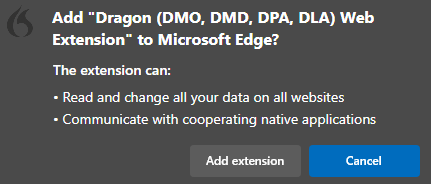
4. Click the "Add extension" option on the popup!