.png?width=200&height=90&name=logo-edist%20(1).png)
1) Please log in using your credentials. https://dictation.cloud
2) Select the Accounts tab and click the <Customers> tab inthe dropdown.
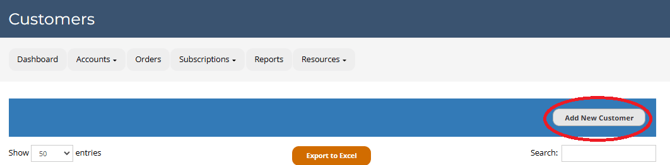
3) Click <Add New Customer>.
4) Fill out the the required fields using the customers information.
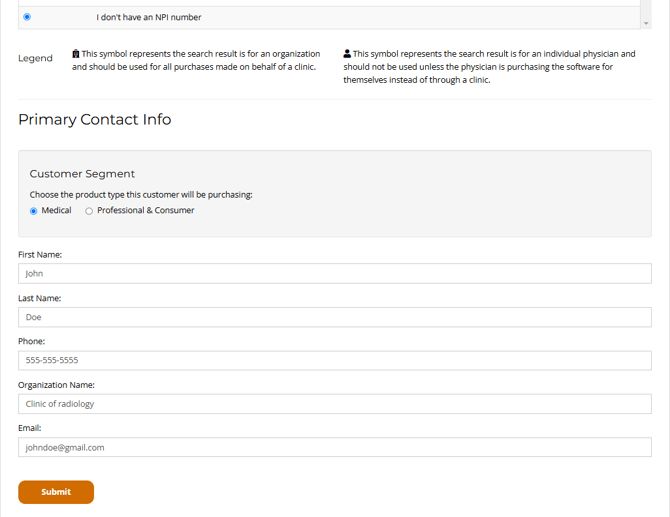
5) Click <Submit> at the bottom.
You have successfully created a customer account!