.png?width=200&height=90&name=logo-edist%20(1).png)
The examples below are demonstrated on Dragon Legal Individual version 16.
1) Once purchased from your vendor, you'll receive an email containing the serial key.
2) You will need to go to the Download Center
3 ) Once downloaded and run, you should be brought to this installation wizard. Hit install.
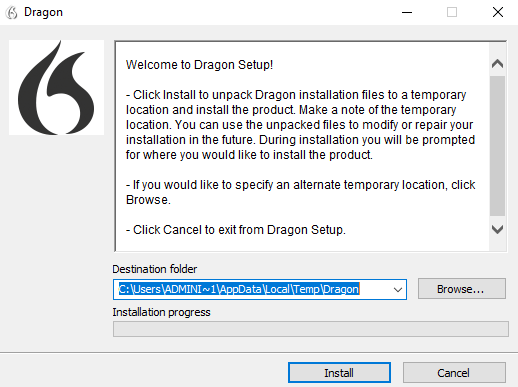
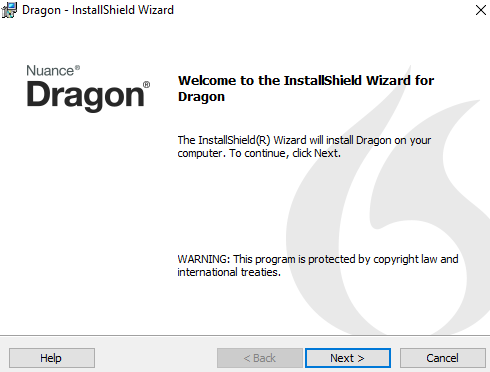
4) This will take a moment to download. Continue the installation by hitting Next.
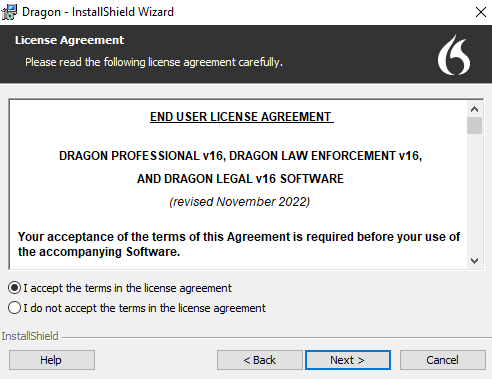
5) Accept the terms and hit next as shown below:
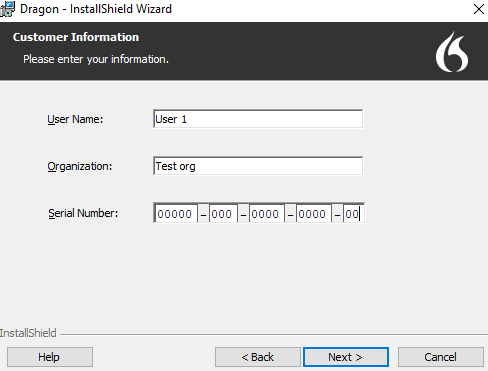
6) It will now need the license key information, user name, and organization, and then hit next as shown below:
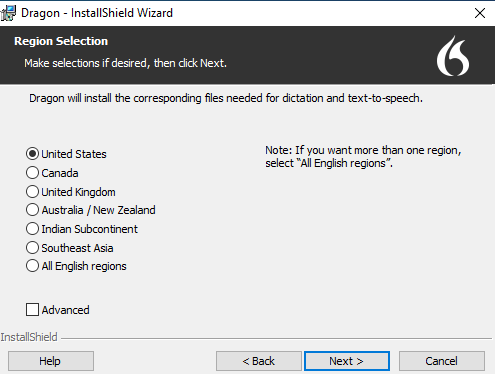
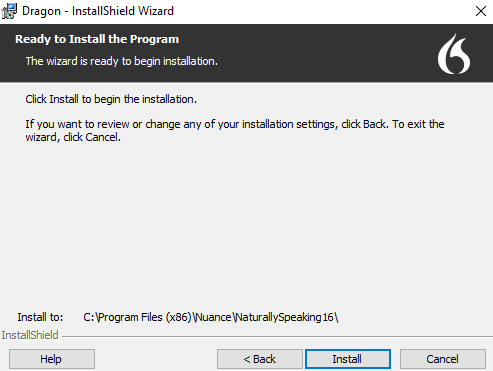
7) Hit your designated region and select Next, and then install.
This will take a moment to install:
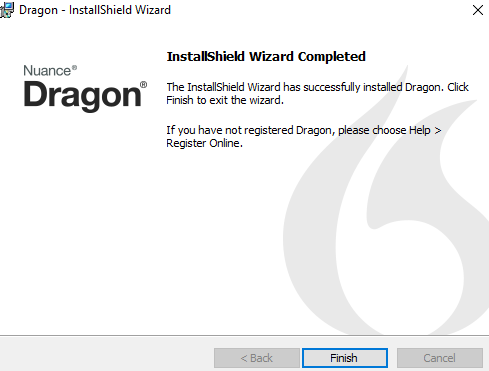
8) Once completed, hit finish and you have completed the Dragon installation: