.png?width=200&height=90&name=logo-edist%20(1).png)
Go to the Official Philips Download Page
- Visit the
- Locate the Software
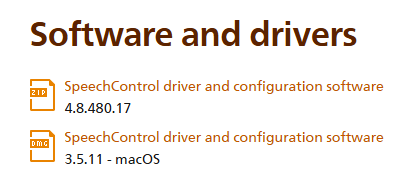
Scroll down to the Download section. You’ll see options for Windows and macOS versions.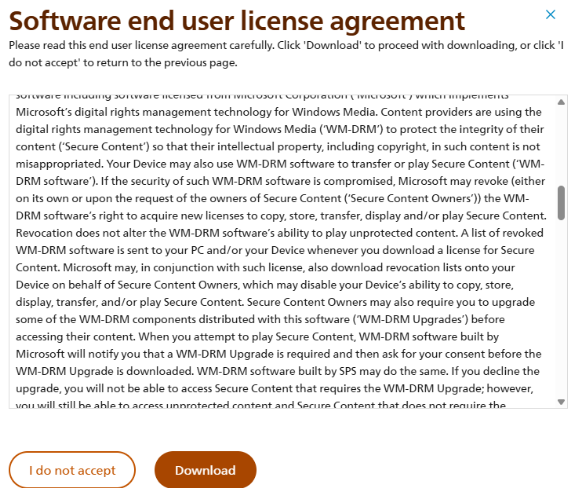
- Choose Your Version
- Click the Windows or Mac download link depending on your operating system.
- The folder will look like the example below:
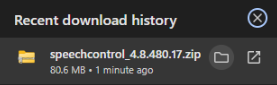
- Click the Windows or Mac download link depending on your operating system.
- Extract the file from the zipped folder:
- Once extracted, it will look like this:
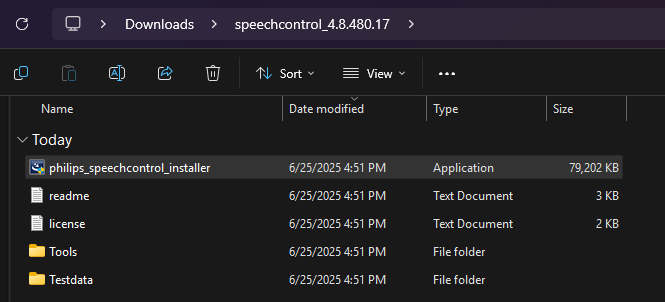
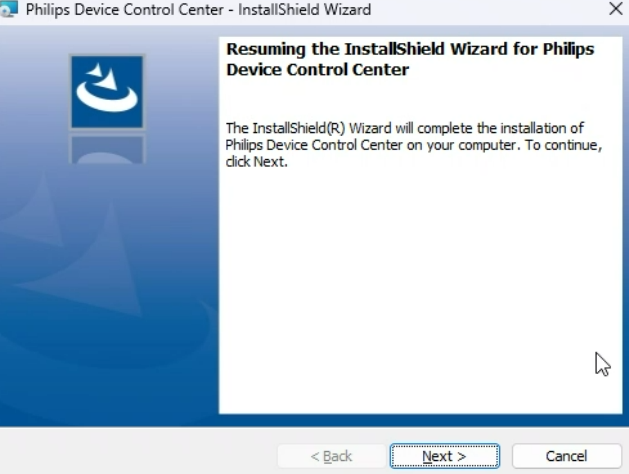
5. Double click the Philips_speechcontrol_installer and proceed with the steps for the wizard.
This software lets you:
- Customize button functions on your SpeechMike or foot pedal
- Update firmware for devices