.png?width=200&height=90&name=logo-edist%20(1).png)
The same method can be followed whether using Power Mic Mobile or Dragon Medical One to access DAX Copilot!
1) Locate the summary recording and open it.
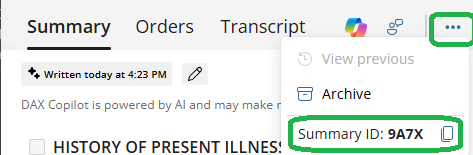
2)Click on the the 3-dot ellipsis towards the top.
When viewing within Power Mic Mobile: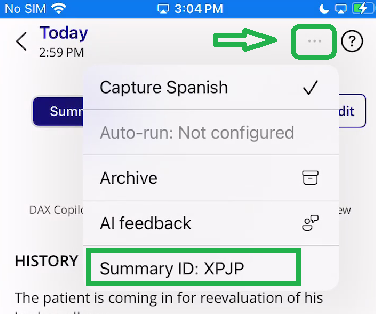
When viewing within Dragon Medical One: