.png?width=200&height=90&name=logo-edist%20(1).png)
To log in to the new ticketing portal, you will need to complete the registration process, which is separate from submitting a support ticket. You must be registered for the password reset link to function properly.
eDist Partners and customers who had a existing login from our previous ticketing portal will need to register again.
Please use the same email as before to retain your ticket submission history!
You may register using THIS LINK
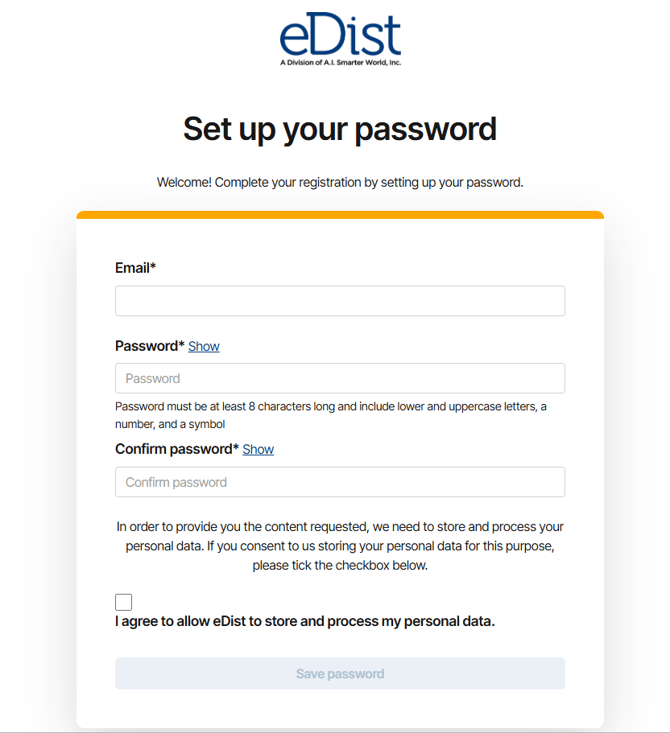
Enter your information into the fields and check the box that states "I agree to allow eDist to store and process my personal data".