.png?width=200&height=90&name=logo-edist%20(1).png)
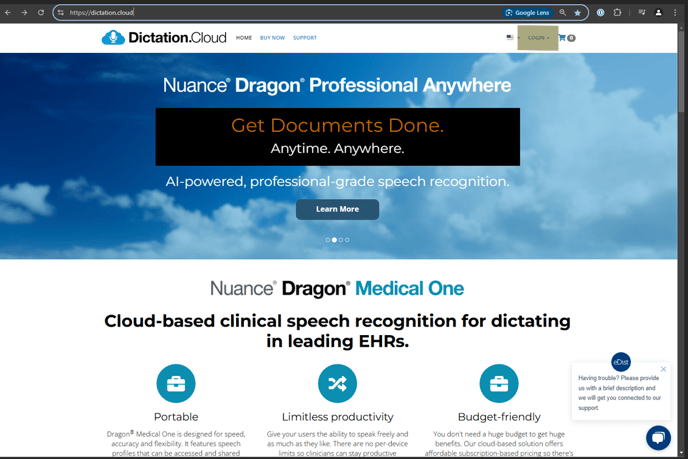
First LOGIN to https://dictation.cloud/.
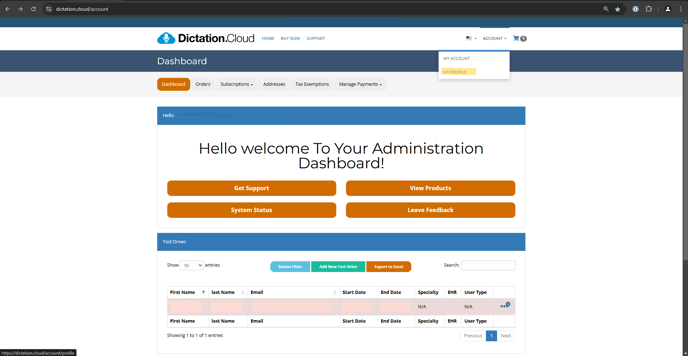
1. ) Upper right corner > ACCOUNT > MY PROFILE
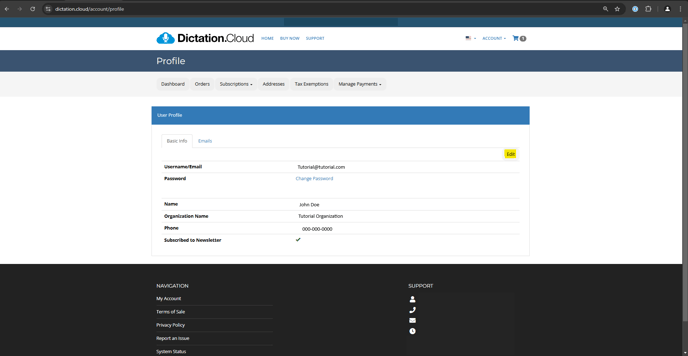
2.) Select Edit
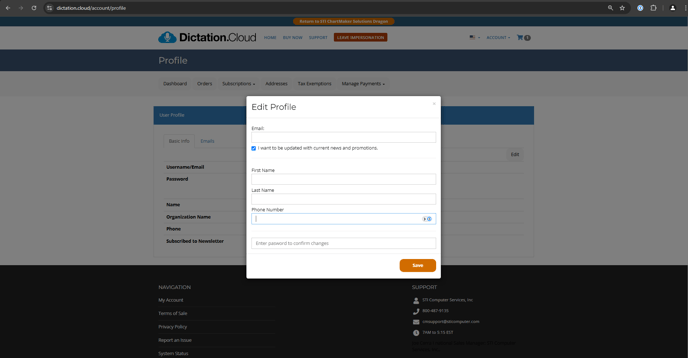
3.) Enter the organization information and click "Save"
- Username
- Name
- Phone Number
- Current Password
You must reach out to your reseller/support team to update the organization/company name.