.png?width=200&height=90&name=logo-edist%20(1).png)
1) Please log in to your Dication.Cloud account and select "My Account".

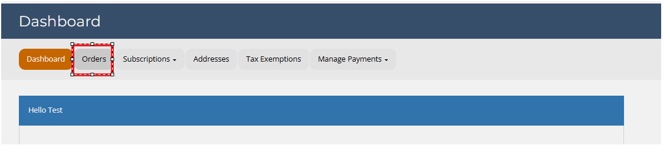
2) Select the <Orders> tab and locate your order.
3) Select <view>.

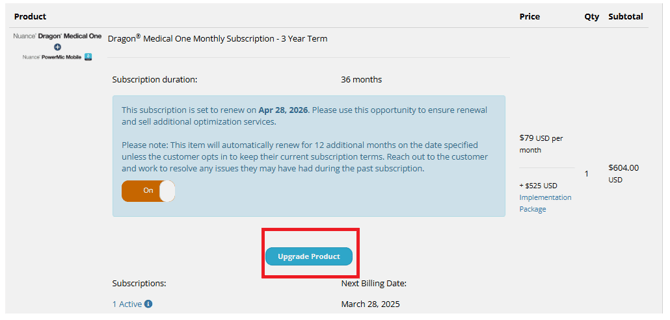
4) Scroll down and hit the blue <Upgrade Product>.
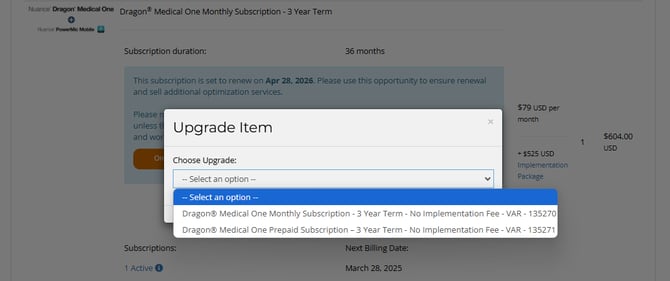
5) Select your available upgrade.
In this example, it'll show only a 3-year upgrade since it is already on a 3-year subscription.
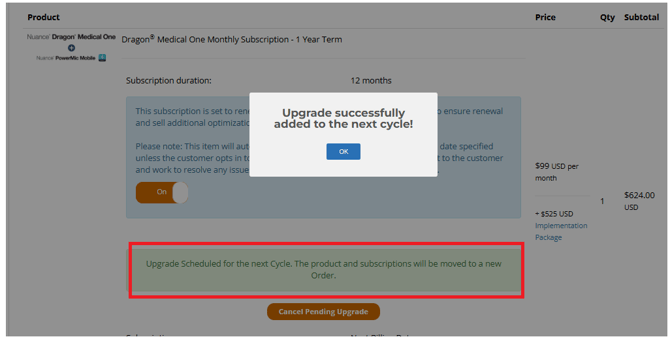
6) Select <Schedule Update>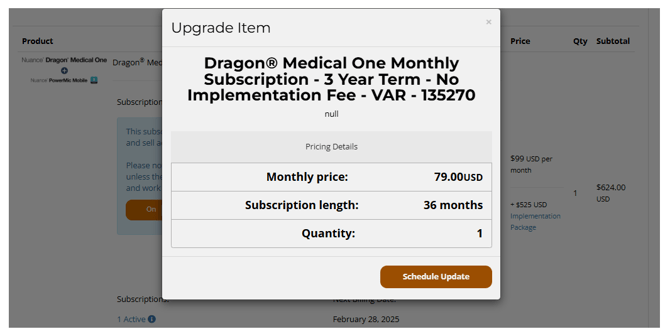
Upgrading is not available for all subscriptions. If you are unable to upgrade, please reach out to your value-added reseller for more information.