.png?width=200&height=90&name=logo-edist%20(1).png)
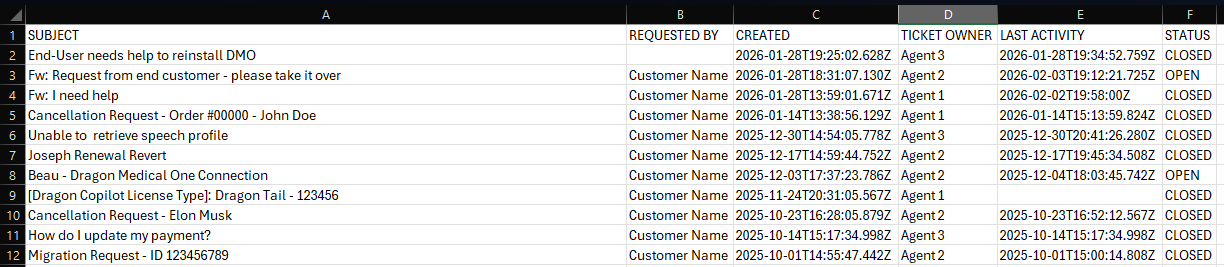
The Export to CSV option lets the customer download a spreadsheet of the tickets they’re currently seeing in their portal view.
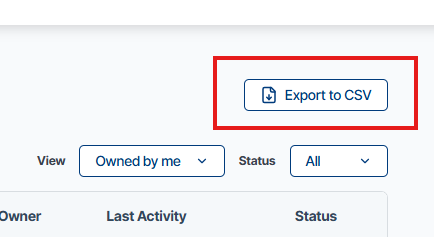
- It exports ticket data from the table in the portal.
- It includes all data visible in the current view, so any filtersyou have applied (status, date range, etc.) are respected in the export.
- The file format is CSV, which can be opened in Excel, Google Sheets, or similar tools.