.png?width=200&height=90&name=logo-edist%20(1).png)
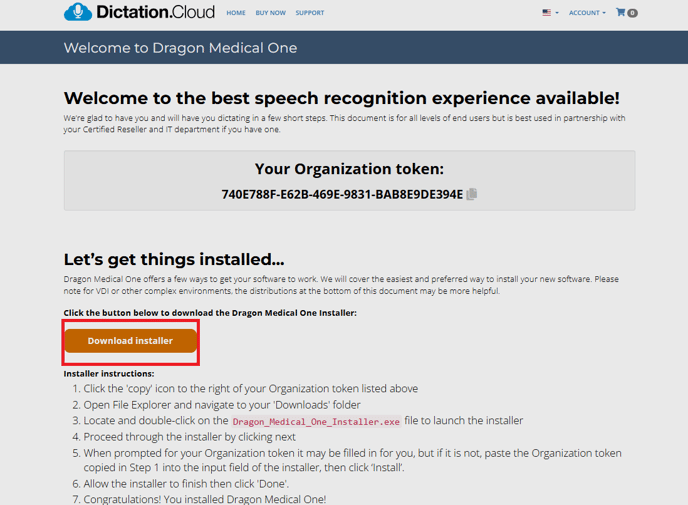
1) You will need to log into Dictation.cloud and locate your welcome kit and select download installer:
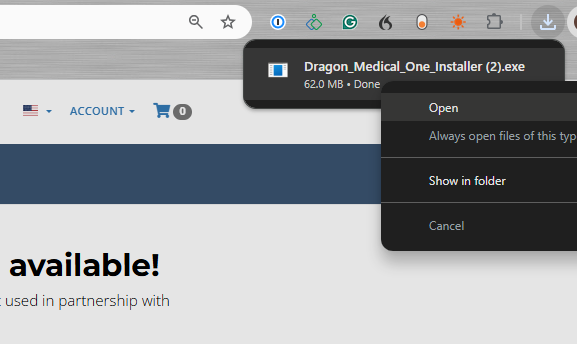
2) You notice a download appear on the top right of your web browser, once the download is completed double-click or right-click and select open.
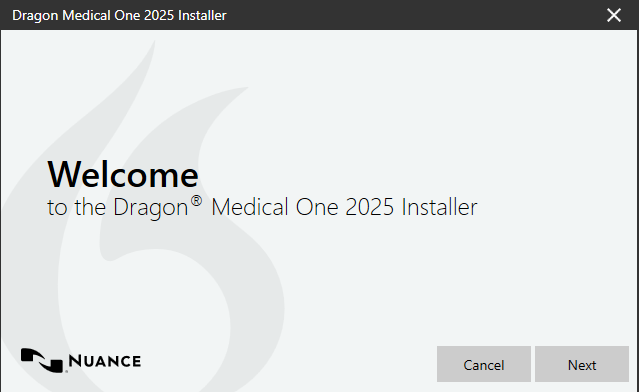
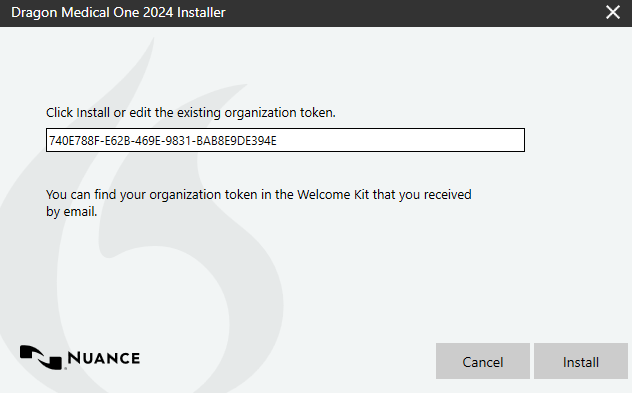
3) This will open a download wizard and you will place your organization token from your welcome kit:
4) Once you install you'll see this message:
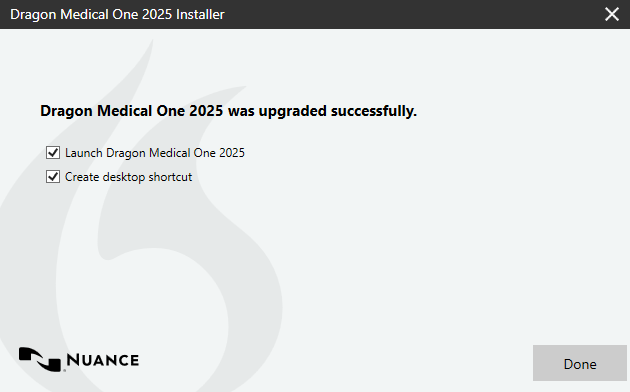
You have successfully installed Dragon Medical One.