.png?width=200&height=90&name=logo-edist%20(1).png)
- Download and install the Power Mic Mobile App from your app store.
- For IOS:
https://apps.apple.com/us/app/powermic-mobile/id983002170 - For Android:
https://play.google.com/store/apps/details?id=com.Nuance.Mobility.DMic.Live&hl=en_US&gl=US
- For IOS:
You will need to perform the following steps on your phone.
- Locate your Welcome Kit and scroll down to the "Power Mic Mobile setup".
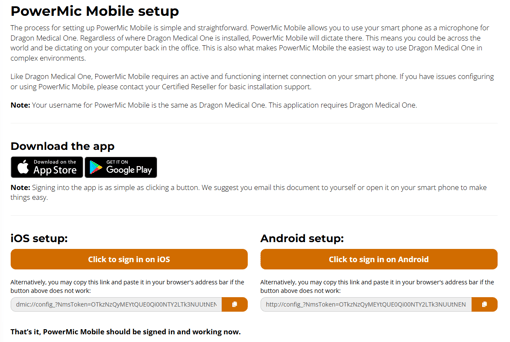
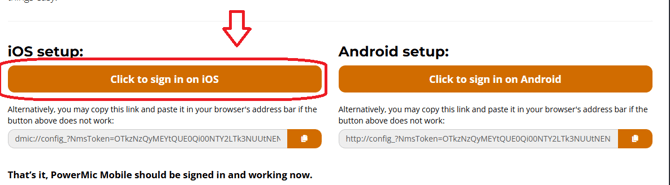
- Click the orange button for your phone operating system:
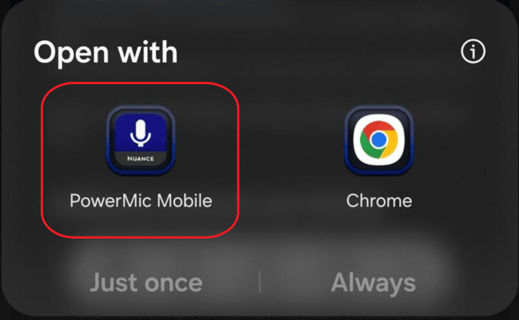
- If prompted, select to open with Power Mic Mobile:
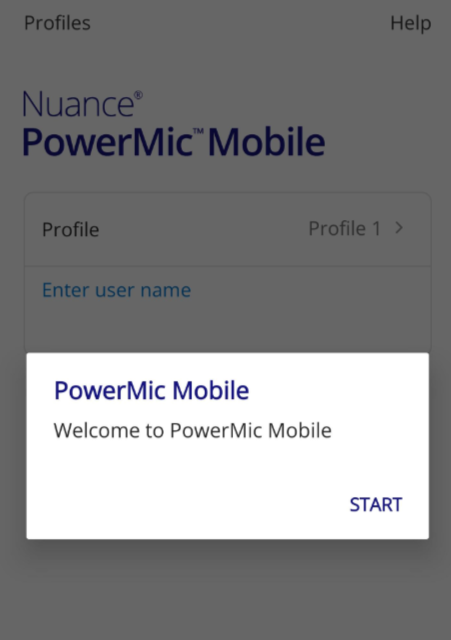
- When successful, you should get following welcome message: